
7 Free ways to create Games using only Android
Table of Contents
I roughly sorted them by difficulty. The further down, the harder it gets.
1. Castle.xyz [No code]
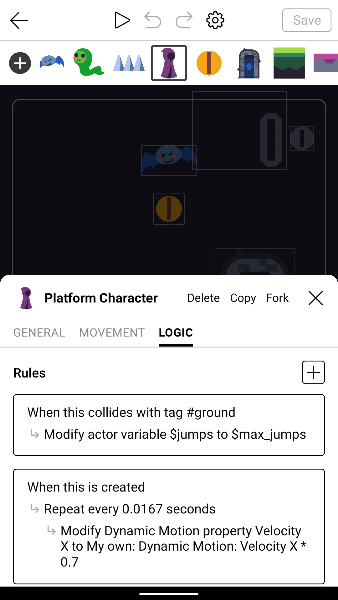
- Play Games: https://castle.xyz/explore
- Tutorial: https://wiki.castle.xyz/Guides%3ACastle_Academy
- Publish to: Web
2. GDevelop [No code]
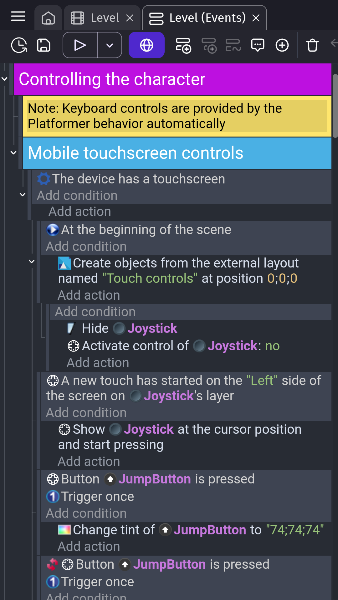
- Play Games: https://gd.games/
- Tutorial: https://gdevelop.io/academy
- Publish to: Android, Desktop, (Paid version: Web, iOS)
- Pricing: https://gdevelop.io/pricing
3. microStudio [MicroScript]
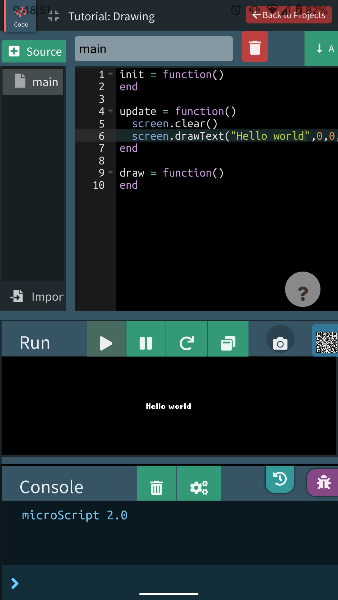
- Play Games: https://microstudio.dev/explore/
- Tutorial: https://microstudio.dev/tutorials/
- Publish to: Web, (beta: Windows, MacOS, Linux, Android, iOS)
MicroScript is based on Lua. microStudio also support Python, JavaScript, Lua.
microStudio is web base game engine. You don’t need to install any app. Just click https://microstudio.dev/projects/
4. Phaser [JavaScript]
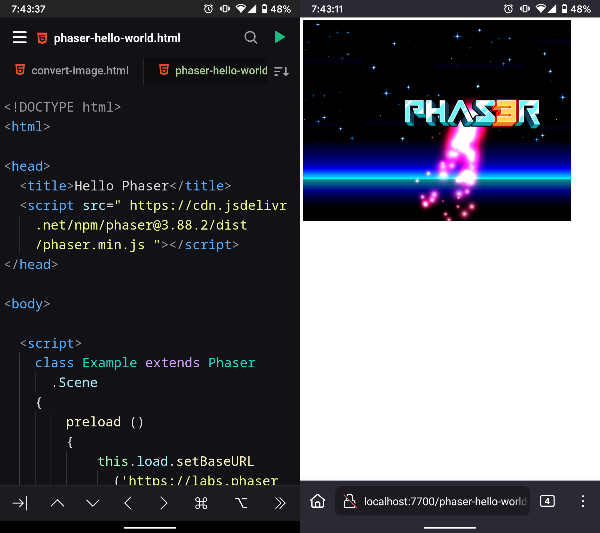
- Find Games: https://phaser.io/news/category/game
- Tutorial: https://phaser.io/learn
- Libraries: Awesome Phaser
- Publish to: Web
There is a paid version, but we don’t really need it.
Require
- JavaScript knowledge
- Code editor app that supports local hosting
I recommend spck editor . It support github!
Download
Visit https://phaser.io/download/stable
and download phaser.min.js or phaser.js.
Or just add single line on your html, inside <head>
<script src=" https://cdn.jsdelivr.net/npm/phaser@3.88.2/dist/phaser.min.js "></script>Getting started
- Open your code editor app
- Create new directory
- Create
index.html - Visit Getting started , and copy sample code
- Paste code on your
index.html - Local hosting!
5. Löve/Love2D [Lua]
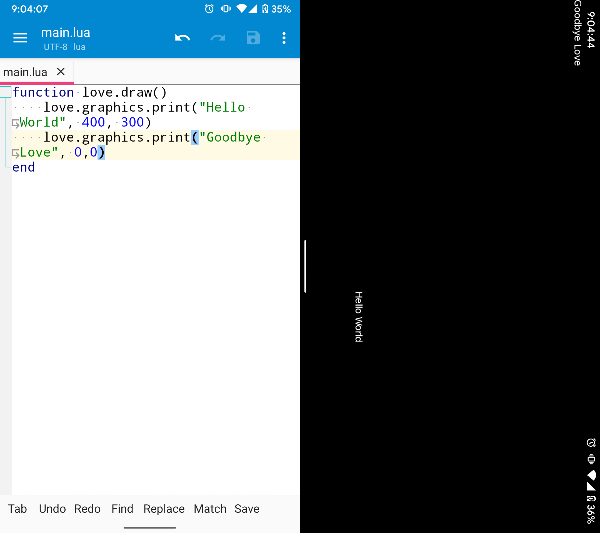
- Find games: https://www.love2d.org/wiki/Category:Games
- Tutorial: https://www.love2d.org/wiki/Category:Tutorials
- Libraries: Awesome Love2D
- Publish to: Android, iOS, Windows, MacOS, Linux
Require
- Lua 5.1 knowledge
- File manager app
- Code eidtor app
I recommend NMM file manager. It support code editing, http server, ftp server and many things.
Getting started
- Visit https://www.love2d.org/ , click ‘Other downloads - Android APK’
- Install Löve app
- Open code editor, and create new directory
- Create
main.lua - Copy below code and paste on your
main.lua
function love.draw()
    love.graphics.print("Hello World", 400, 300)
end- Zip
main.lua(e.g.game.zip) - Open
Love Loa...app - Select
game.zip!
Publish to Web(unofficial)
You can build your love game to html + js. But it has many limitations.
Visit https://schellingb.github.io/LoveWebBuilder/
6. Godot [GDScript]
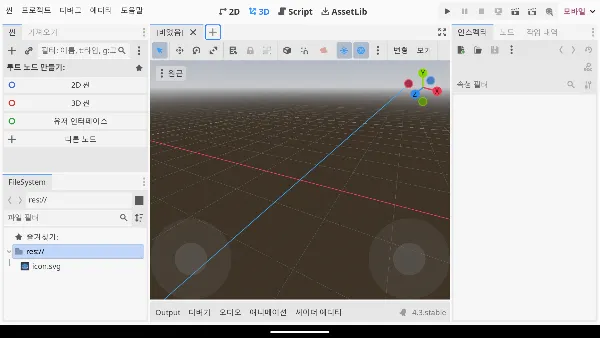
- Find games: https://godotengine.org/showcase/
- Tutorial: https://docs.godotengine.org/en/stable/getting_started/introduction/index.html
- Publish to: Android, iOS, Windows, MacOS, Linux, Console
7. Termux
Termux is terminal, not game framework. You can run Linux with Termux. That means you can do anything with Termux.
Visit https://f-droid.org/en/packages/com.termux/
, and donwload Termux
+ Keyboard app
I recommend Unexpected Keyboard . You can customize every key.
Conclusion
I have tablet, keyboard, mouse -> Godot
I Love challenge -> Löve & Termux
Otherwise -> Phaser